Overview
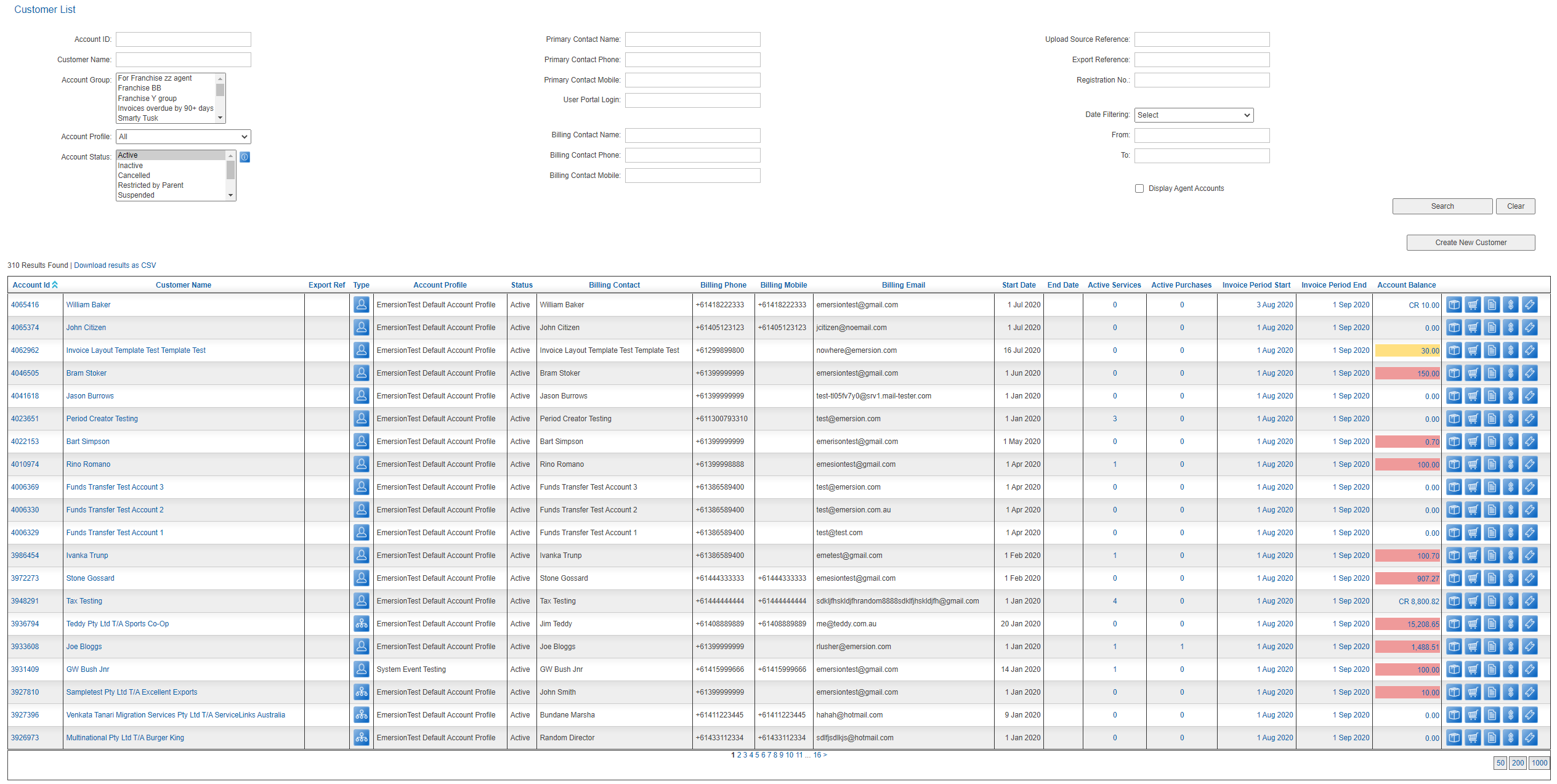
This article contains the reference for various account balances used in Cumulus. The red and orange colour coding \when presenting the customer's Account Balance is also defined.
The system maintains a number of account-related balances for easy reference.
The Finance > Accounts Receivable > Receive Payments screen contains a Cumulus list showing all accounts with their balances.
| Value | Description |
|---|---|
| Account Balance | The total balance of all credit and debit transactions, excluding security deposits. This amount will be highlighted if the account balance is overdue as follows: Red highlight- the amount is overdue by 14 or more days. Orange highlight - the amount is overdue by less than 14 days. |
| Unallocated Payments | Payment amounts that have not been allocated against an invoice. |
| Security Deposit Held | The sum of any security deposits recorded. Security deposits do not attract tax. These amounts do not affect the account balance. |
The Customer List showing the red and orange account balance visual indicators.