Overview
This article contains is a step-by-step guide on how to associate a profit with a billing object in Nimbus.
The steps to perform these actions are different in Nimbus than in Cumulus. To access the How To articles for Cumulus, go to the Profit Centre Home and click the relevant article for Cumulus.
The following billing objects can be associated with a profit centre:
- Account
- Package Plan
- Package Subscription
- Service Plan
- Service Subscription
- Product
- Product Purchase
- Cardline
Associate a Profit Centre with a Billing Object
To do this:
- Log in to Nimbus
- From the Main Menu on the left-hand side, click Finance to display more options.
- Click the Profit Centres option.
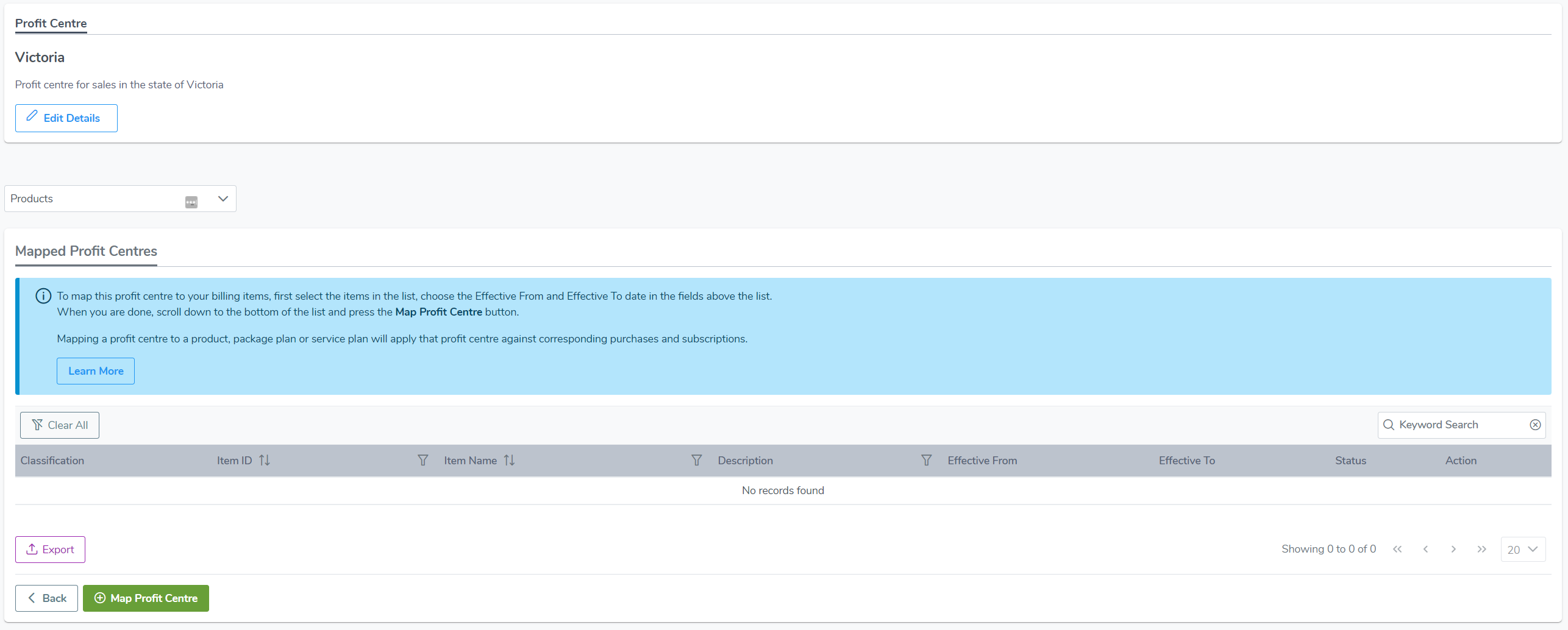
- Use the list or search bar to find the relevant profit centre, then click on the profit centre.