Overview
This article covers setting the default trading terms. If you are looking for general information about the trading terms features in Emersion, go to this article.
Setting the Default Trading Terms
During onboarding, your onboarding project manager will ask for your preference for the default set of trading terms and set them up in the system for you. This is set when your service providers account is initially created.
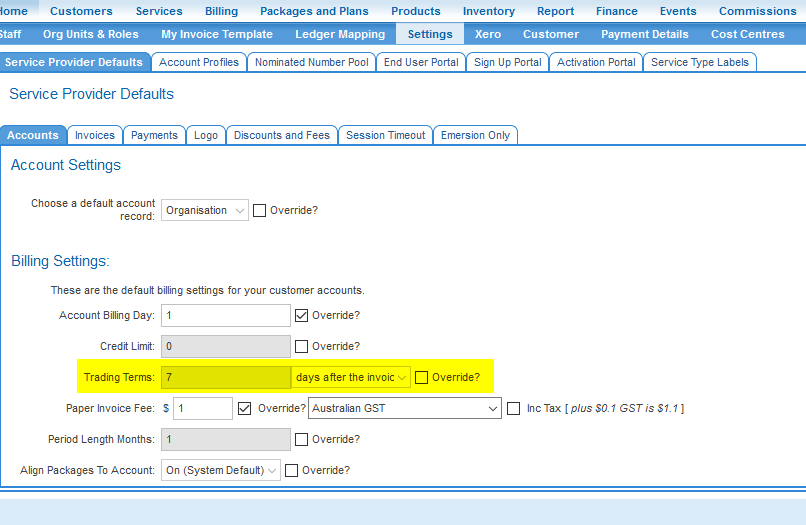
Service providers are able to change the default trading terms from Admin > Setting > Service Provider Defaults > Accounts
A change to the default trading terms only affects customers whose accounts are created after the change has been made. Existing customers with trading terms already saved will remain on the old terms until they are manually updated using an override.
View the Default Trading Terms
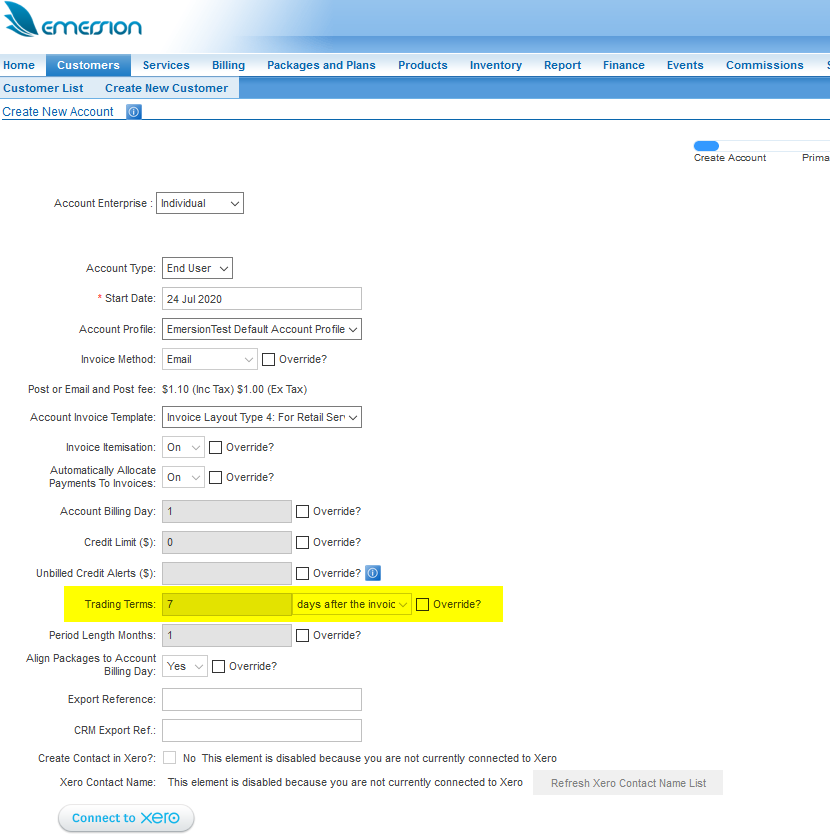
To view your default trading terms, navigate to Customers > Create New Customer and inspect the first screen of the Create Customer wizard,
This screen displays the default account attributes that can be overridden. The default trading terms is greyed out to show the default trading terms that the account will inherit when it is saved.