Overview
This article explains the Invoice tab, which can be found under a customer's account. This tab presents all invoice that have been generated for an account.
The Invoices Tab
To access this screen, navigate to a customer's account and click the Invoices tab.
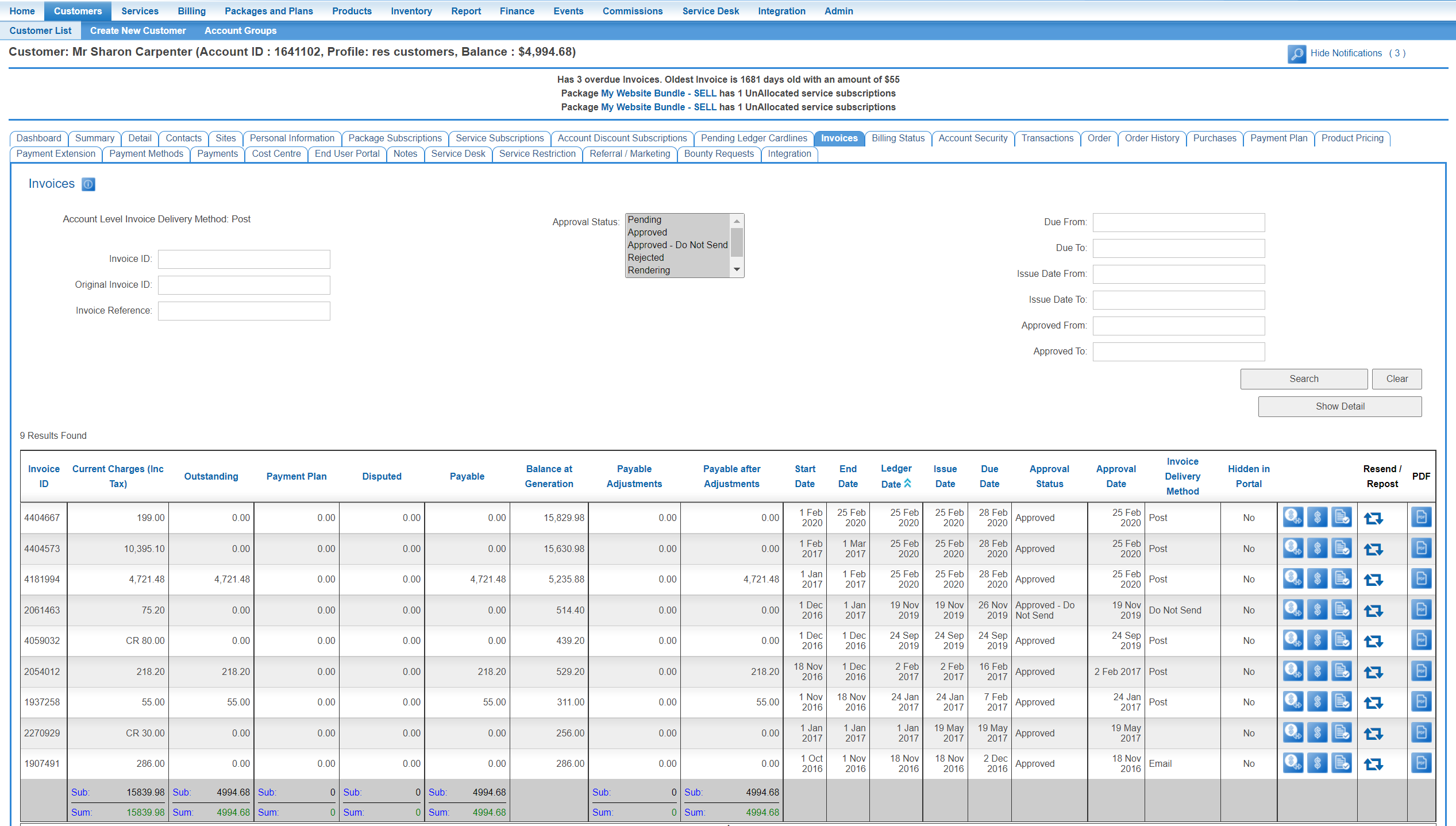
This page presents all invoices that have been generated for the account, including invoices that are:
- pending
- approved and sent to the customer
- approved and not sent to the customer
Users can open any invoice by clicking the Manage Invoice icon. The invoice will be presented on the screen. Help pertaining to the various functions available to users when an invoice is open are available here.
To download and/or open the PDF version of the invoice, press the PDF download icon.
Users can access invoices across multiple accounts via the Finance > Accounts Receivable > Invoice List screen.