Overview
This article explains how a user can map a package plan to an account profile, so that only customers in that profile can order the package plan.
For further information about account profiles, start here.
Map a Package Plan to an Account Profile
To do this, go to:
Admin > Settings > Account Profiles
Open the account profile that is to be modified.
Click the Mapped Packages tab.
The tab will render with any price books that are already mapped to the account profile.
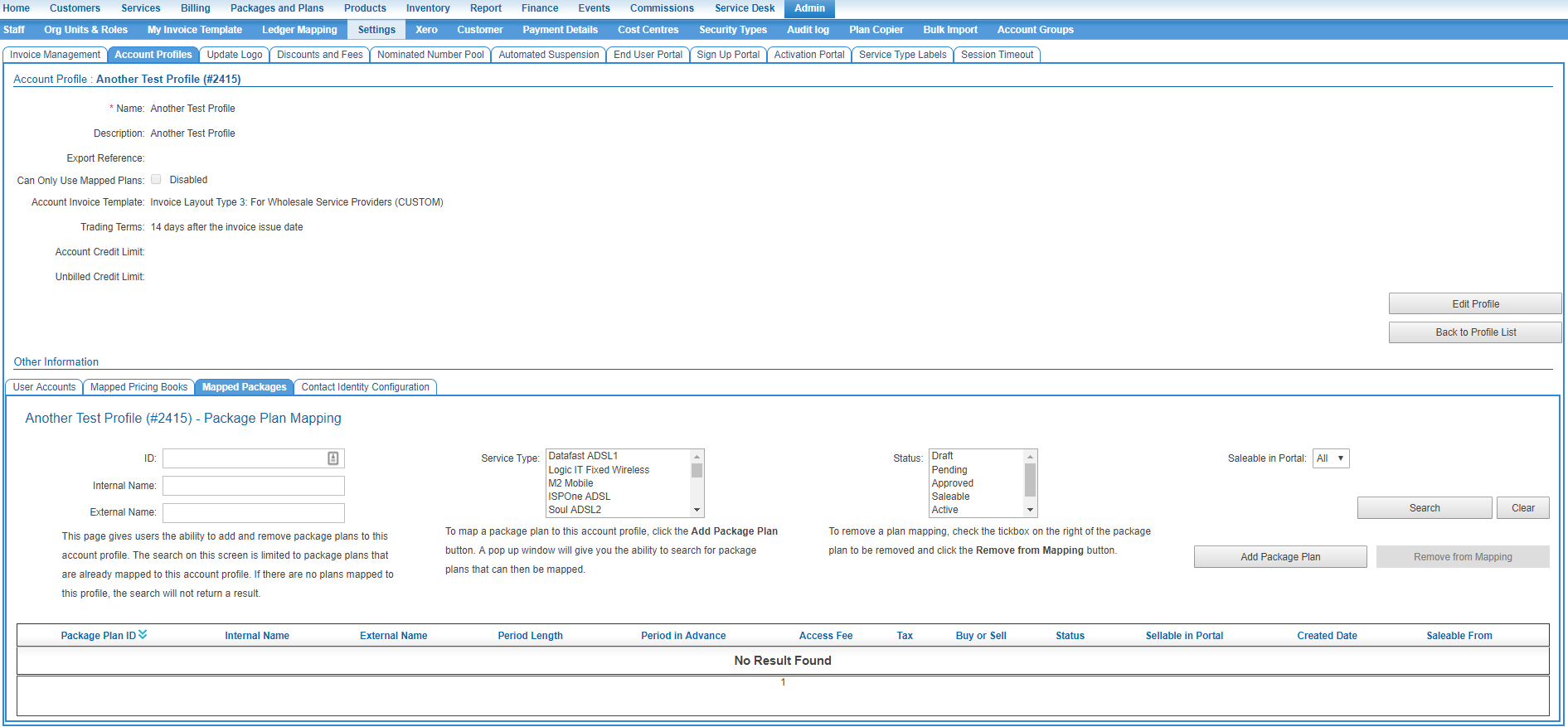
Click the Add Package Plan button.
A pop up window will give you the ability to search for package plans that can then be mapped.
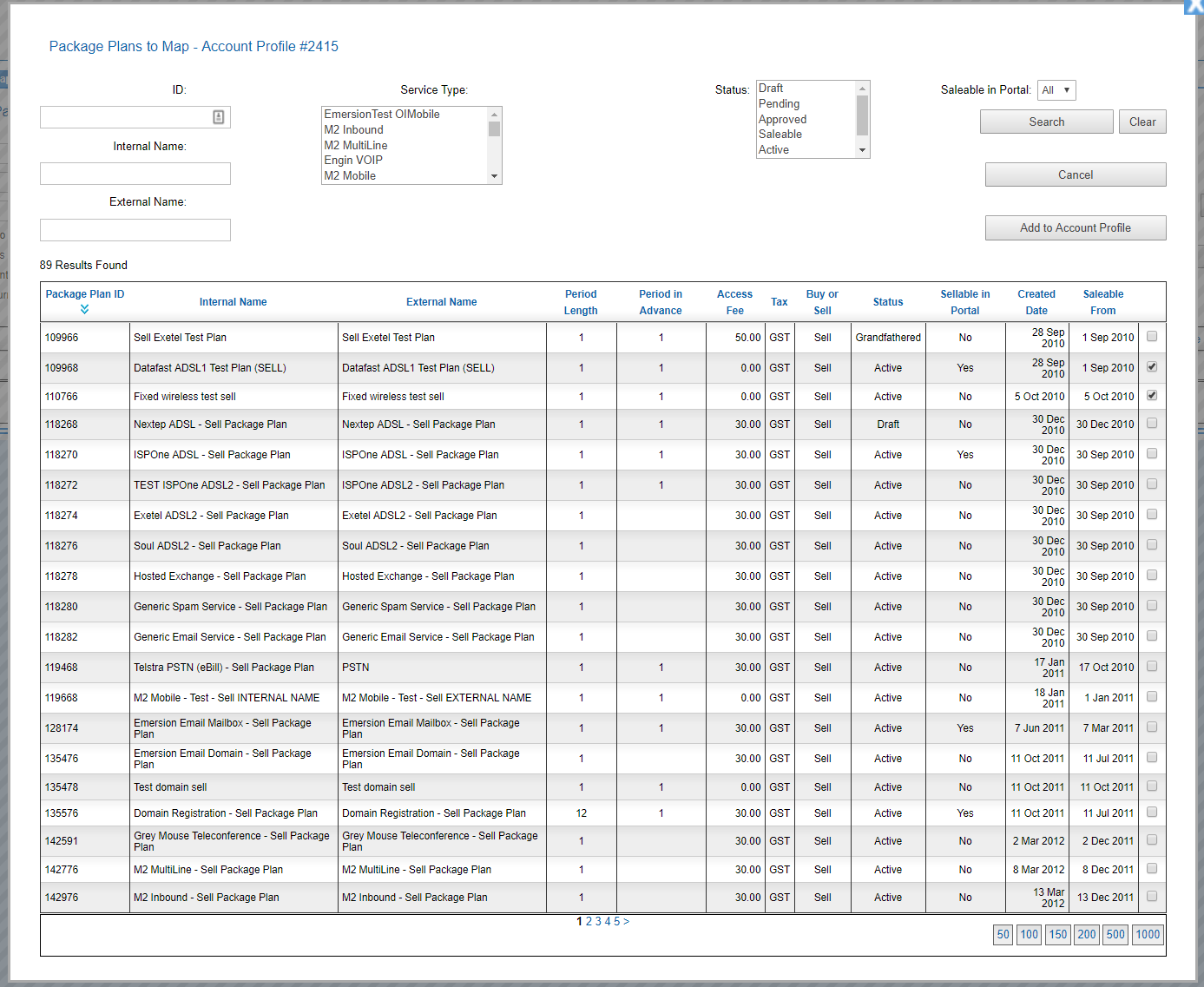
Use the tick box to select the plans to be mapped to the account profile.
Press the Add to Account Profile button to save the changes.
Removing a Mapped Plan
To remove a plan mapping:
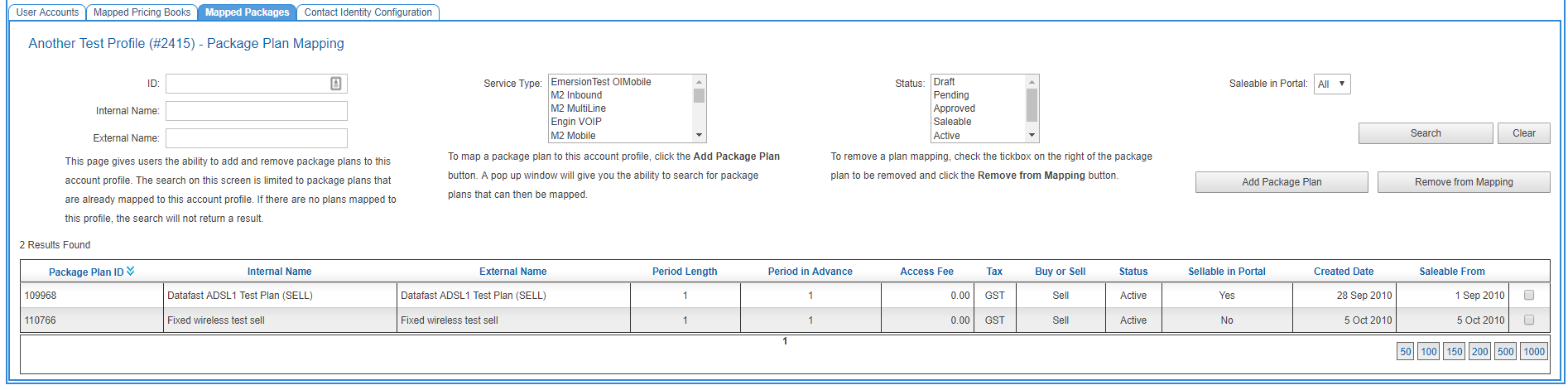
Go back to the Mapped Plans tab as shown above.
Check the tick box on the right of the package plan to be removed and click the Remove from Mapping button.