Overview
This screen can be used to configure the logo that is shown in Cumulus.
It can be found at: Admin > Settings > Service Provider Defaults > Logo.
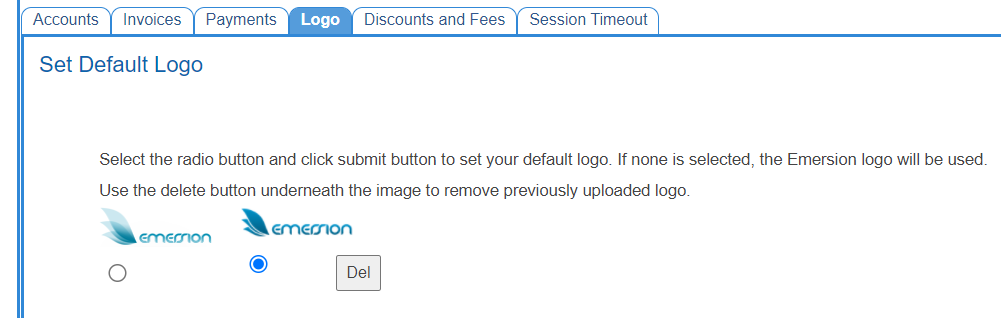
Set Default Logo
Administrators can select a logo here to be shown in the top left of Cumulus. You will be able to select from any of the logos you have uploaded as well as the standard Emersion logos. Press the radio button beneath the logo you would like to select. Press Submit at the bottom of the screen to apply the selected logo.
Deleting a logo
To remove a logo from this list, press the Del button. This will remove the currently selected logo, you will have to re-upload the logo to use it again.
Upload a new logo
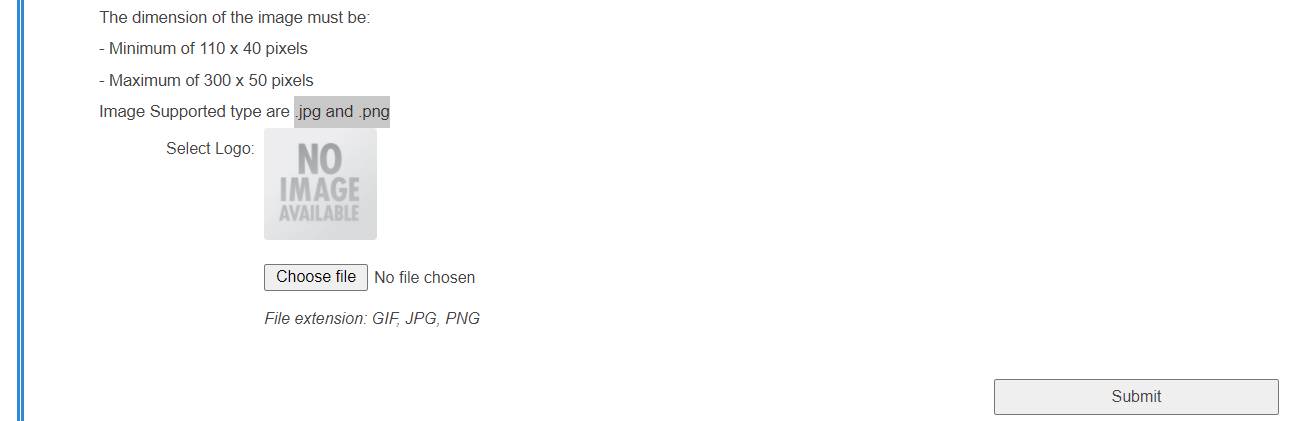
You can upload your own logos to be displayed in Cumulus.
Uploaded logos must:
- Be a minimum of 110x40px.
- Be a maximum of 300x50px.
- Be in the JPEG or PNG image format.
Press Choose file to upload a file of your choosing. Press Submit to confirm your new image, if it meets the logo requirements then it will be set as the default logo.