Overview
This article explains the process of upgrading a package subscription.
Find the Package Subscription
Find the subscription you want to upgrade and navigate to it by following the instructions here.
Upgrade a Subscription
On the package subscription screen press Upgrade.
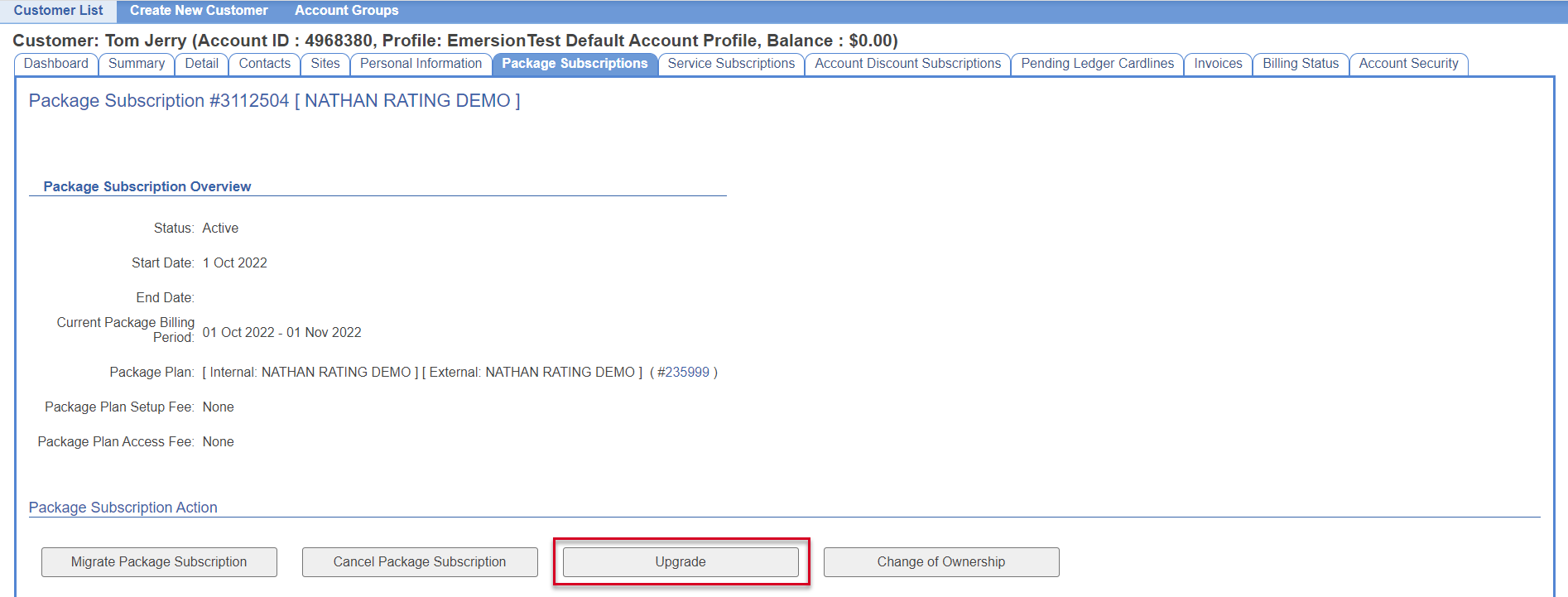
On the upgrade confirmation popup press Start Order.

You will be shown the Service Qualification page, you can use the search criteria to filter the list of displayed packages.
Select the package to upgrade to by marking it in the Select column.
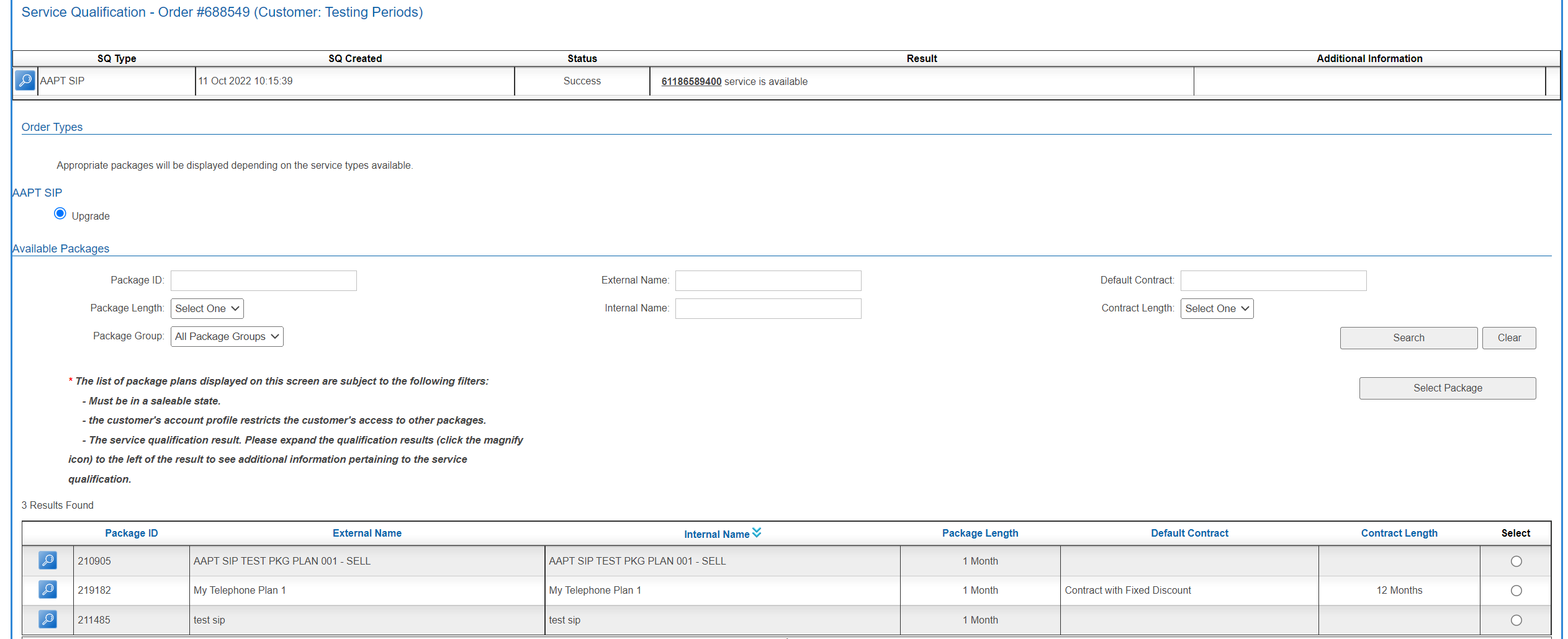
Press Select Package.
From this point on you can continue the order as described here.