Overview
This article will discuss the fundamentals of BPAY.
BPAY is an electronic bill payment system in Australia which allows customers to make payments to invoices via telephone or internet banking.
If an Emersion customer wishes to use BPAY, they first need to make arrangements with a payment merchant who will provide them with a biller code. The customer then generates a BPAY reference number for each of their end users. Invoices are then generated for the end user that display this information. The end users, when paying the invoice via their institution's phone or internet banking service, will supply the biller code and reference, and the funds will be directed to the customer via their payment merchant.
Emersion offers automated collection of BPAY payments via Ezidebit, who can also provide a BPay biller code. Please contact the Emersion sales team for more information.
Please see Configure BPay Biller Codes on how to configure the BPay Biller Code as supplied by your payment merchant.
To configure a BPay reference against an individual customer, please see Configure a Payment Method.
Presentation of BPay on Invoices
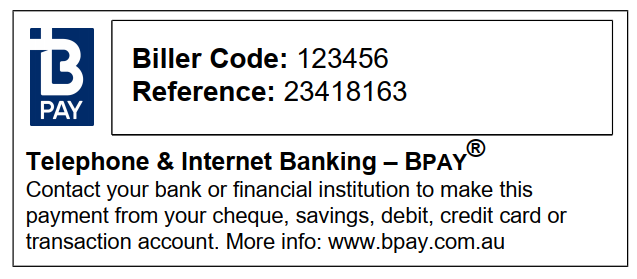
When configured, the BPAY reference data will be shown on page 2 of the invoices in the How to Pay section.
Where BPAY References are created within the system
Once a Biller Code has been configured, BPAY references will automatically be created when new customers are created. These references can be updated in Customer > Payment Methods (see this article for more information) or via the Bulk Import tool.