Overview
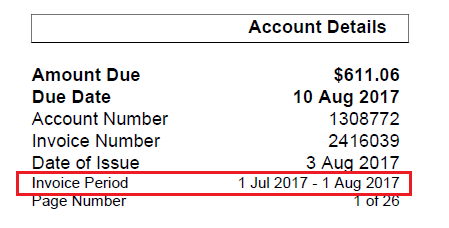
This article covers how to configure an invoice layout to show/hide the account invoice period when the invoice is rendered.
Admin > My Invoice Template > Invoice Layouts > Miscellaneous Settings
This page will initially load in VIEW mode.
Click the Edit button to put the page into EDIT mode.
Tick the Show invoice period box to show the account invoice period.
Once you are happy with the changes and want to save the page, click the Save Misc Settings button.