Overview
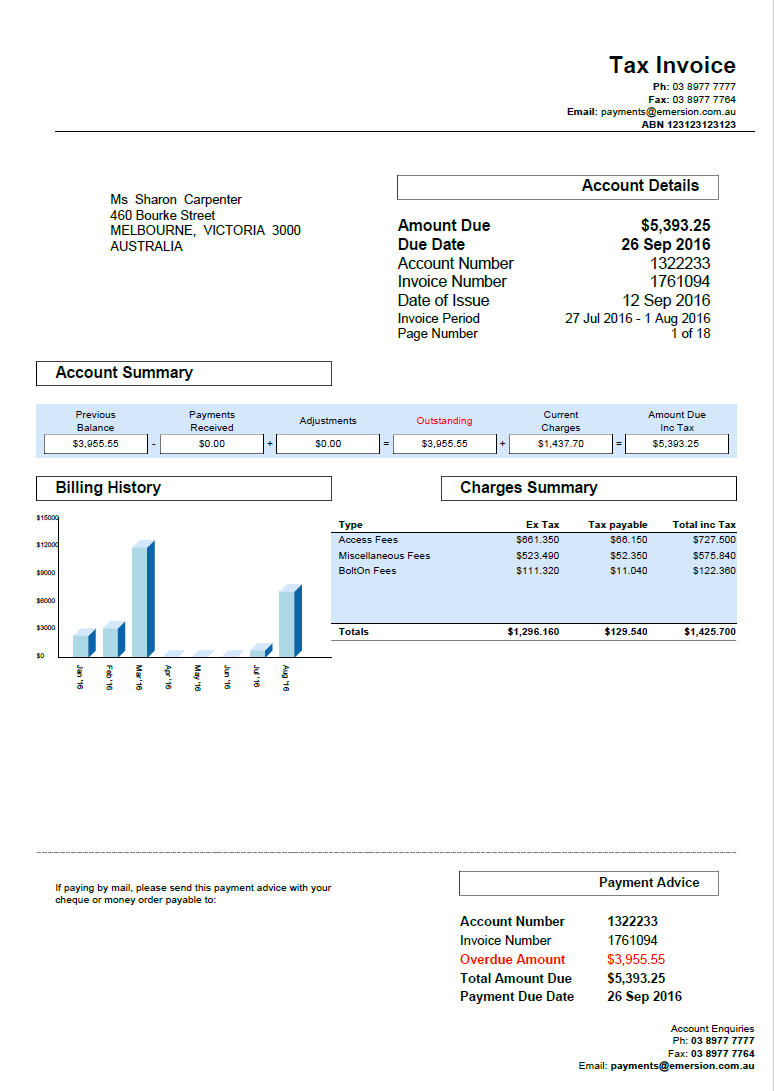
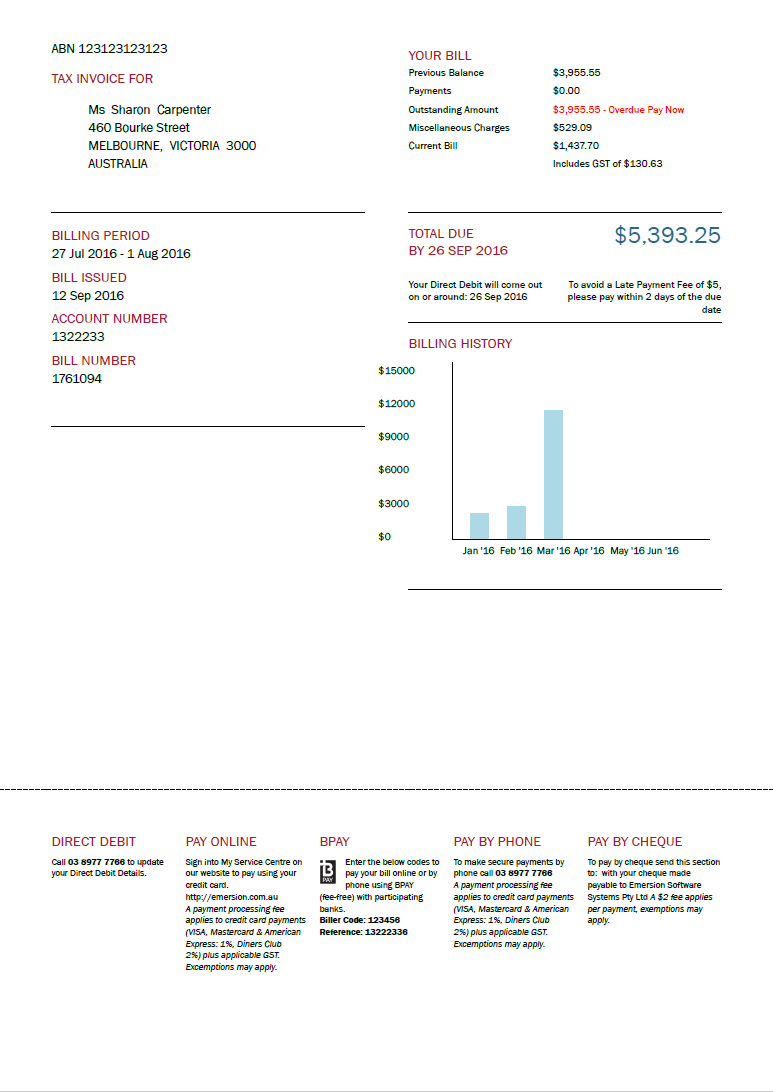
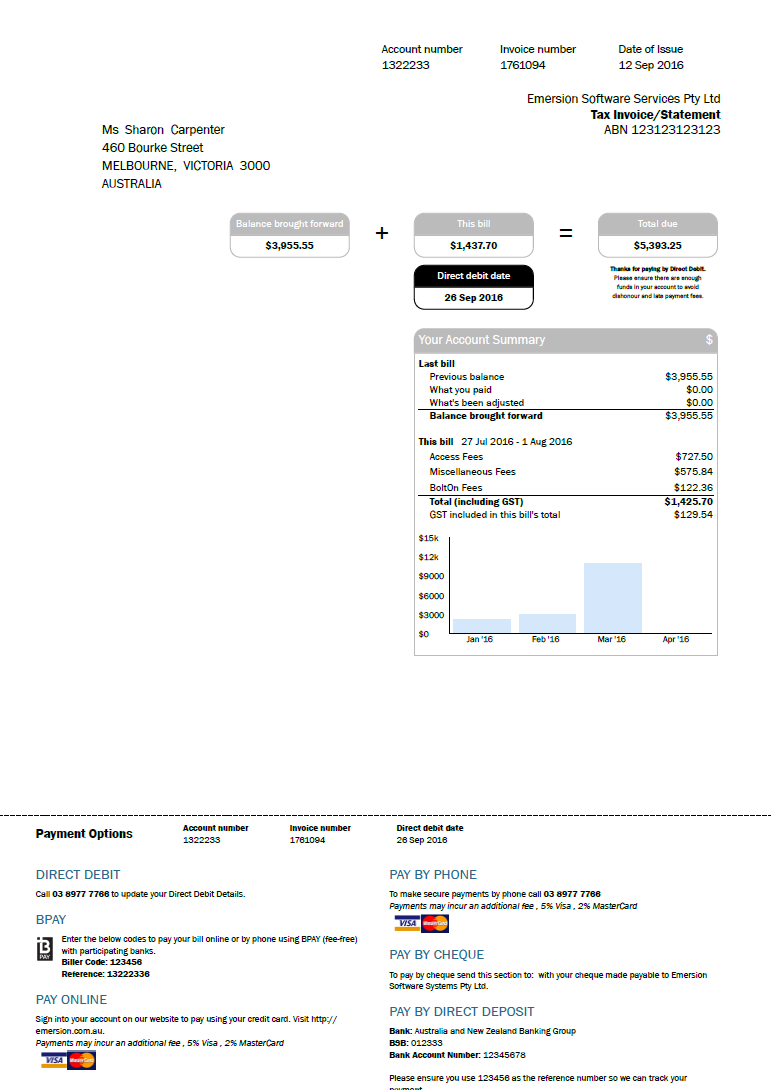
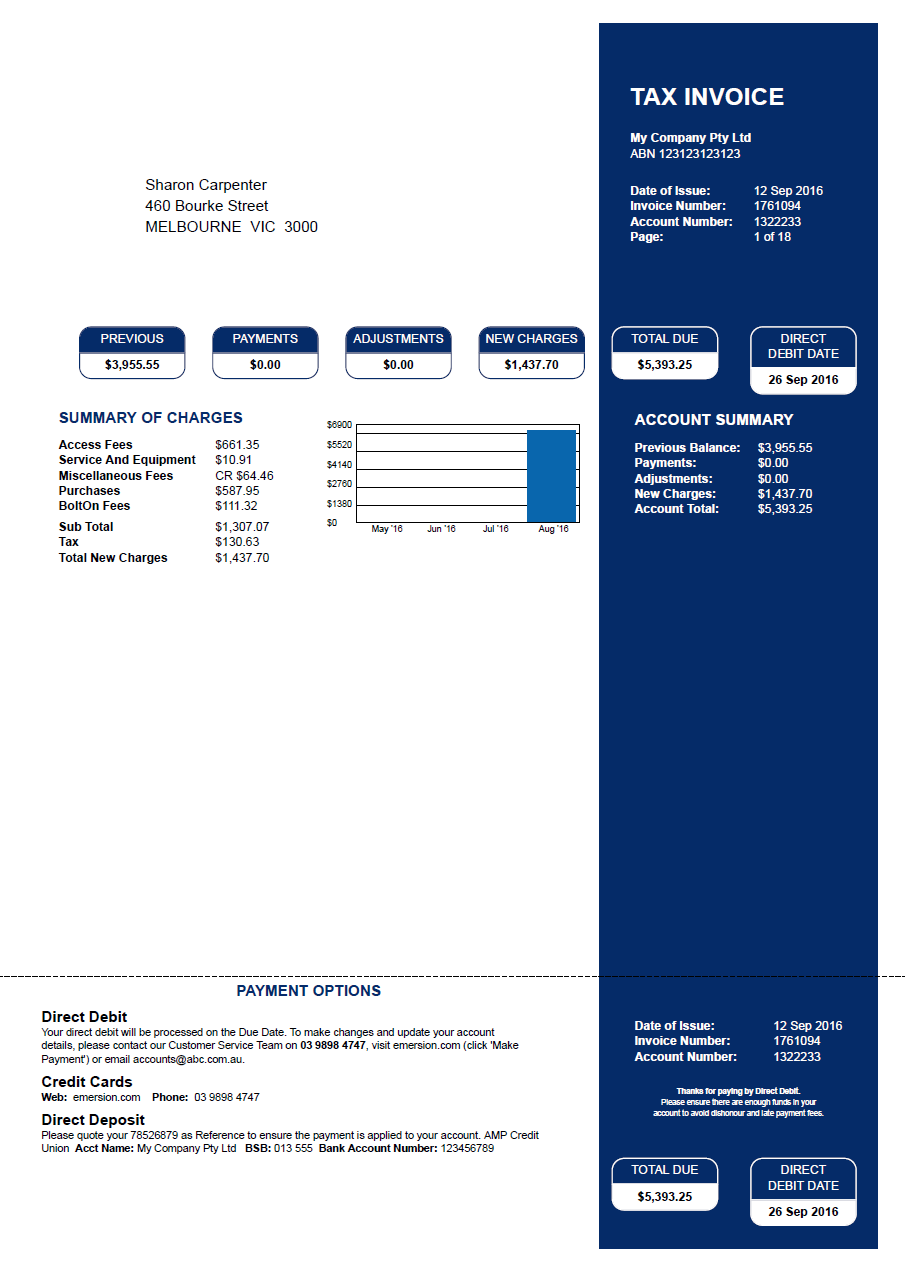
This article aims to illustrate the styling differences of invoice layout types that Emersion offers.
What is an Invoice Layout Type?
The invoice layout type determines the positioning of the various elements on the invoice and the general cosmetic style of the template. Emersion creates and maintains invoice layout types.
Each invoice layout type comes in the following variants:
- For Retail Service Providers
- For Retail Service Providers with Cost Centres
- For Wholesale Providers
Using Cost Centres?
Subscribers to the cost centre module can use any layout type. However they must choose the cost centre variant if they want to group charges by cost centre on the invoice. Only cost centre design settings appear when choosing a cost centre variant of an invoice layout type.
Customisation
Service Providers can customise and configure their chosen layout type by utilising our numerous invoice design settings.
Not all design settings apply to all layout types, or all versions of a single layout type.
A design settings matrix is provided here that shows which design settings:
- apply to ALL layout types and variants
- apply to specific layouts and variants
Invoice Samples
Always compare apples with apples......
Each invoice sample below is the SAME invoice. This means that the data (customer, services, purchases and other charges/payments and credits) used to produce these invoice samples are identical. Only the layout type and some design settings may differ.
These invoices have been rendered with no logos or company images. This is intentional, but there is space for your company logos on all invoice layout types.
Click on the images below to get a better view of each invoice layout type.